




How to Pause Location on Find My iPhone
If you are wondering how to pause location on Find My iPhone, you are not alone. Many iPhone users want to take a short break from sharing their live location without permanently turning off the service. The good news is that Apple gives you options to control when and how your location is shared.
Why Pause Your Location?
Sometimes you just want privacy. Maybe you are out shopping, visiting a friend, or simply don’t want to be tracked for a while. Instead of disabling Find My iPhone completely, pausing your location lets you control who can see you. This is safer than switching everything off because Find My iPhone is still active to help you recover your phone if it gets lost.
Step-by-Step Guide
How to Pause Location on Find My iPhone
Follow these easy steps to pause your location on Find My iPhone:
- Open the Settings app on your iPhone.
- Tap on your Apple ID (your name at the top).
- Select Find My.
- Tap on Find My iPhone.
- Switch off Share My Location.
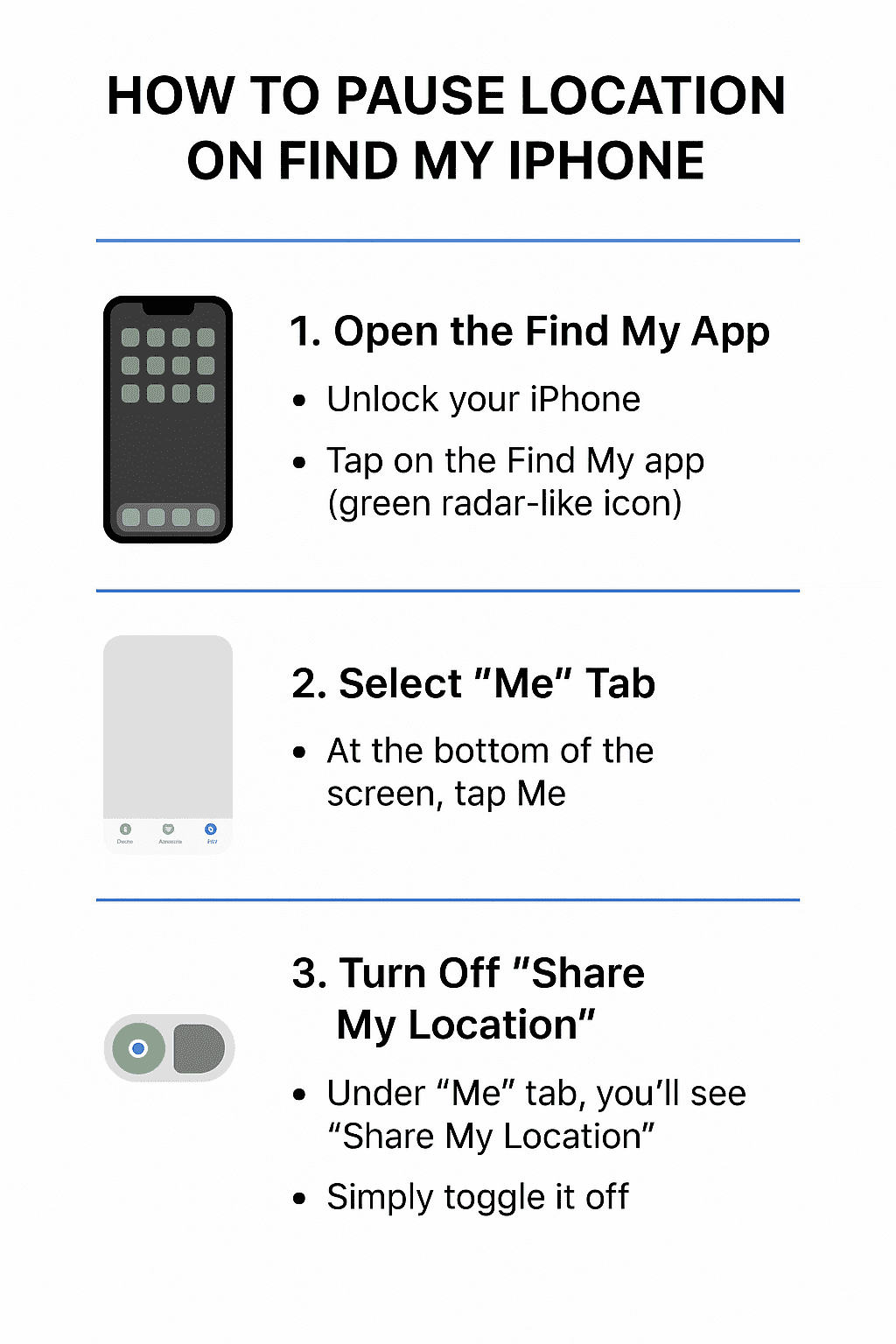
That’s it! Once you toggle this option off, your friends and family will not be able to see your live location. The best part is that you can turn it back on anytime with the same steps.
How It Works
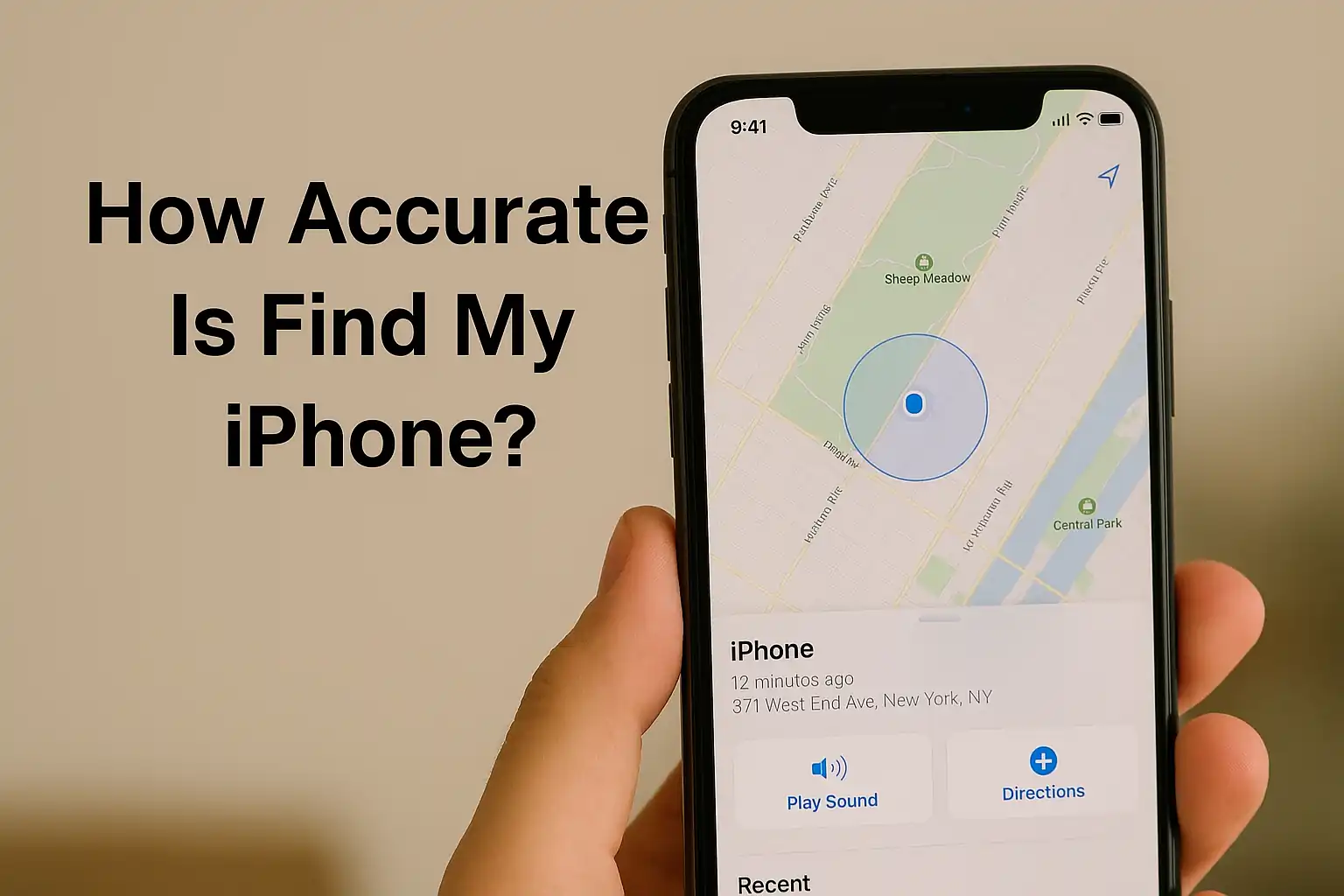
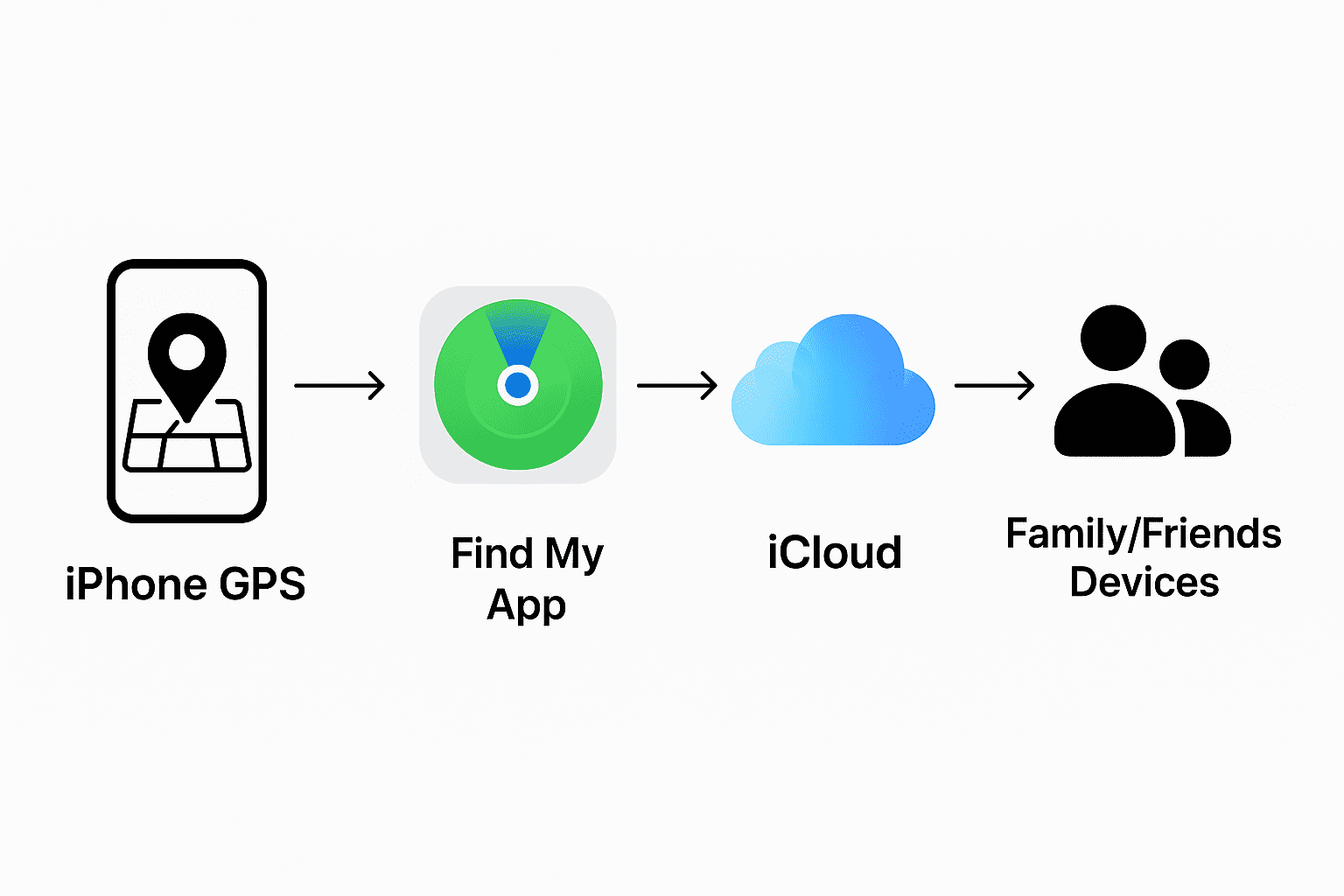
Your iPhone location is tracked using GPS. The Find My app shares this with iCloud, which then makes it visible to your friends and family. When you pause your location, the sharing stops before it reaches iCloud. This way, others cannot see you, but Find My iPhone still works for recovery if your phone is lost.
Extra Tips
- You can pause location for specific people by opening the Find My app, choosing a contact, and selecting Stop Sharing My Location.
- If you just need a quick break, use Airplane Mode. This will stop all connections, including location, but remember it also cuts off calls and internet.
- Always turn location sharing back on if you use apps like Maps or need family tracking features.
Related Guides
Want to learn more about iPhones? Check out our latest guides:
- iPhone 17 Release and Key Differences from iPhone 16
- Apple’s Foldable iPhone 2026 – What We Know So Far
Final Thoughts
Learning how to pause location on Find My iPhone gives you control and privacy whenever you need it. The process is quick, simple, and completely reversible. Whether you want a short break or just peace of mind, now you know how to manage your location sharing in a safe way.
Frequently Asked Questions
Can I pause location on Find My iPhone without notifying others?
Yes. When you pause location, people just stop seeing your location but don’t get an alert.
What happens if I turn off Share My Location?
Your friends and family won’t see your live location, but Find My iPhone still works for lost devices.
Does pausing location stop Find My iPhone from working?
No. It only pauses sharing with people. Find My iPhone stays active for tracking your device.
Can I stop sharing my location with one person only?
Yes. Open Find My, select the person, and choose Stop Sharing My Location for just that contact.
About The Author