

How to Pair Bose Headphones
How to Pair Bose Headphones
If you’re wondering how to pair Bose headphones with your device, you can follow the official guide here: Bose — Official Headphones Pairing Support .
If you just bought a new pair of Bose headphones, the first thing you’ll want to do is connect them to your favorite device. Don’t worry — the process is simple. In this guide, we’ll walk you through how to pair Bose headphones with iPhone, Android, laptops, PCs, and even TVs. We’ll also cover tips on ear protection, fixing Bluetooth pairing problems, and replacing worn-out ear pads.
Why Bose Headphones Are Popular
Bose is well-known for comfort, durability, and excellent sound quality. Their Bose wireless earbuds and Bose over-ear headphones are designed for music lovers, travelers, and professionals. Plus, the Bose noise-cancelling headphones help protect your hearing in loud places like airplanes.
How to Connect Bose Headphones
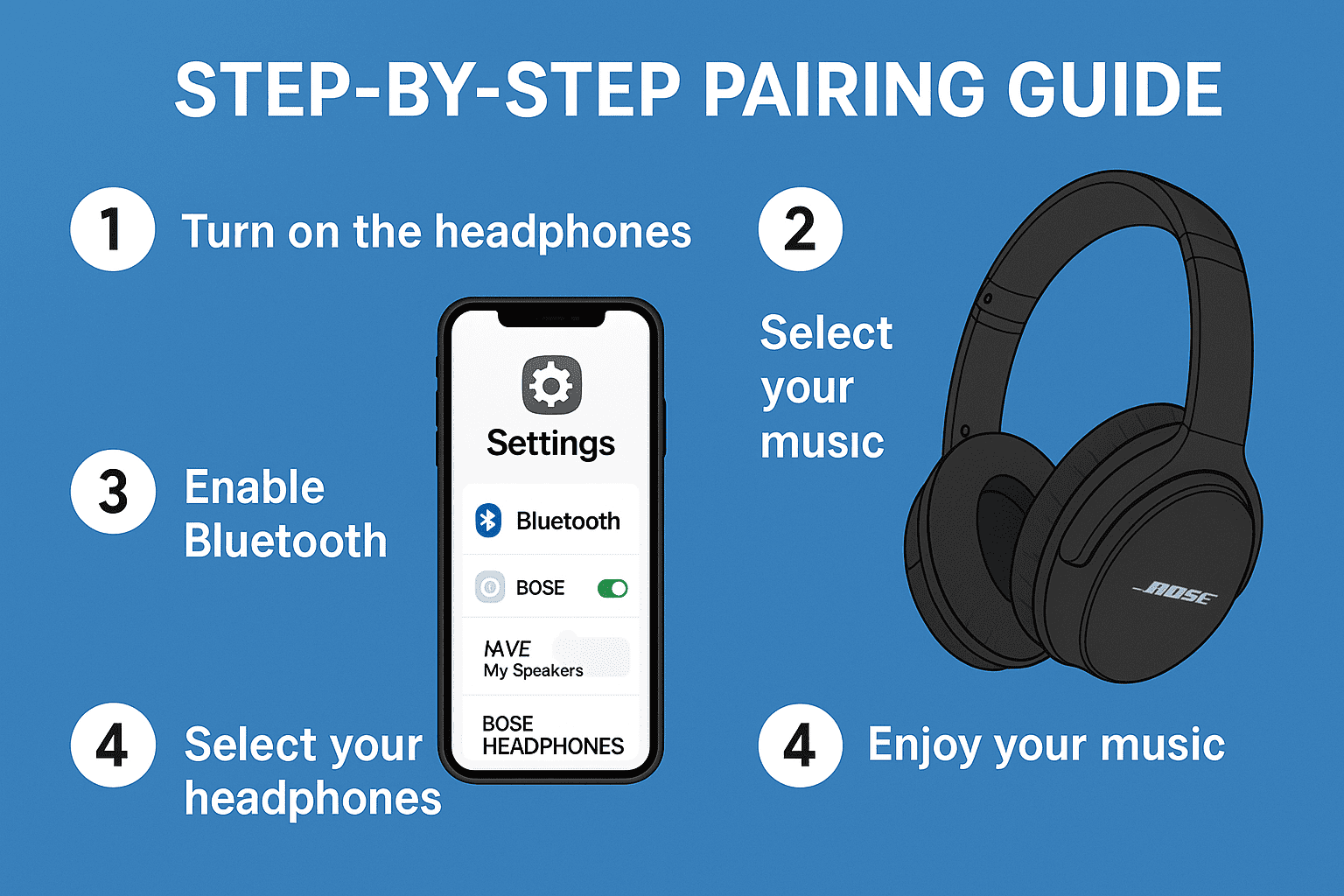
Before pairing, make sure your Bose headphones are charged and powered on. Then, enable Bluetooth on your device. Let’s go step by step.
How to Pair Bose Headphones
If you’re wondering how to pair Bose headphones with your device, you can follow the official guide here: Bose — Official Headphones Pairing Support .
Steps to Put Bose Headphones in Pairing Mode
- Turn on your Bose headphones.
- Press and hold the Bluetooth button until the light starts blinking blue.
- Open Bluetooth settings on your device.
- Find your Bose headphones in the list and tap to connect.
Pair Bose Headphones With Different Devices
1. How to Connect Bose Headphones to iPhone
Open Settings > Bluetooth on your iPhone. Turn on Bluetooth and wait for your headphones to appear. Tap the name to connect. Once paired, you’ll hear a confirmation voice from the headphones.
2. How to Connect Bose Headphones to Android
On Android, swipe down the quick settings panel and hold the Bluetooth icon. Find your Bose headphones and tap to pair. Easy!
3. How to Connect Bose Headphones to Laptop or PC
On Windows, go to Settings > Devices > Bluetooth & other devices. Click Add Bluetooth and choose your Bose model. On Mac, open System Preferences > Bluetooth and pair them the same way.
4. How to Connect Bose Headphones to TV
Modern smart TVs have Bluetooth built-in. Go to the sound or Bluetooth menu, enable pairing, and select your Bose headphones. If your TV doesn’t support Bluetooth, you can use a Bluetooth adapter.
Fixing Bose Bluetooth Headphones Pairing Issues
If your Bose Bluetooth headphones pairing doesn’t work, try these tips:
- Reset your headphones by turning them off and on again.
- Forget the device in Bluetooth settings and re-pair.
- Charge your headphones fully.
- Update the Bose Connect app for better compatibility.
Ear Protection and Bose Noise Cancelling
Noise-cancelling headphones don’t just make music clearer. They also help with ear protection by reducing harmful background noise. For example, on airplanes, using Bose headphones can save your ears from constant engine noise.
Replacing Bose Ear Pads
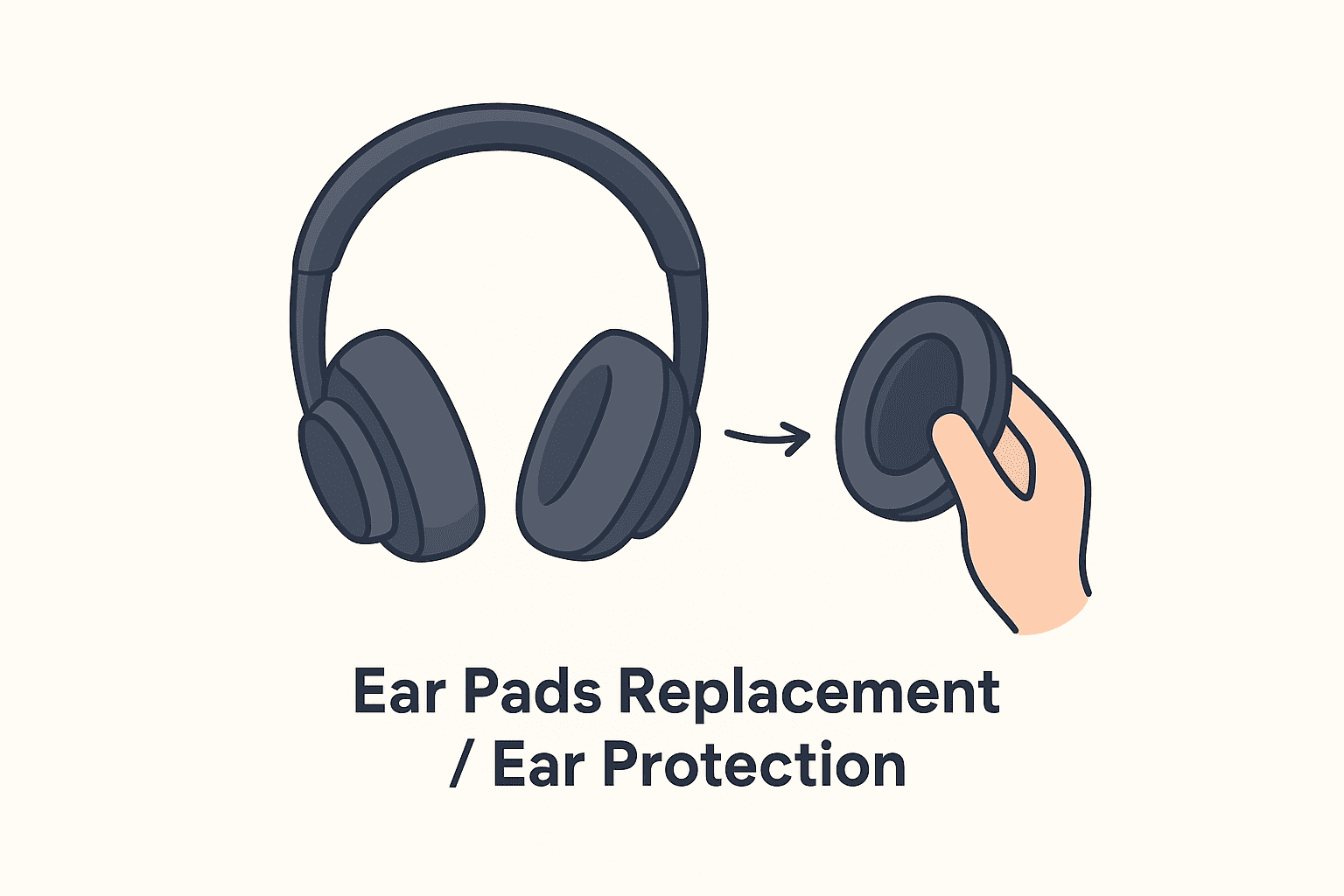
Over time, the ear pads may wear out. Don’t throw away your headphones — you can replace them easily.
- Gently pull off the old ear pads.
- Align the new pads with the ear cups.
- Press until they click into place.
You can buy official Bose replacement ear pads or third-party options online. Replacing ear pads also helps with hygiene and keeps sound quality strong.
More Bose Tips and Guides
If you’re curious about other gadgets, check out our reviews:
Source / Additional Information
For more details, refer to the official article: Bose — QC Headphones Support Article
Final Thoughts
Learning how to pair Bose headphones is quick and easy. Whether you connect them to an iPhone, Android, laptop, or TV, the steps are simple. Remember to care for your ear pads, use noise cancelling for ear protection, and enjoy your music in comfort.
About The Author
