







bright spot ipad pro: simple fixes, causes, and repair options
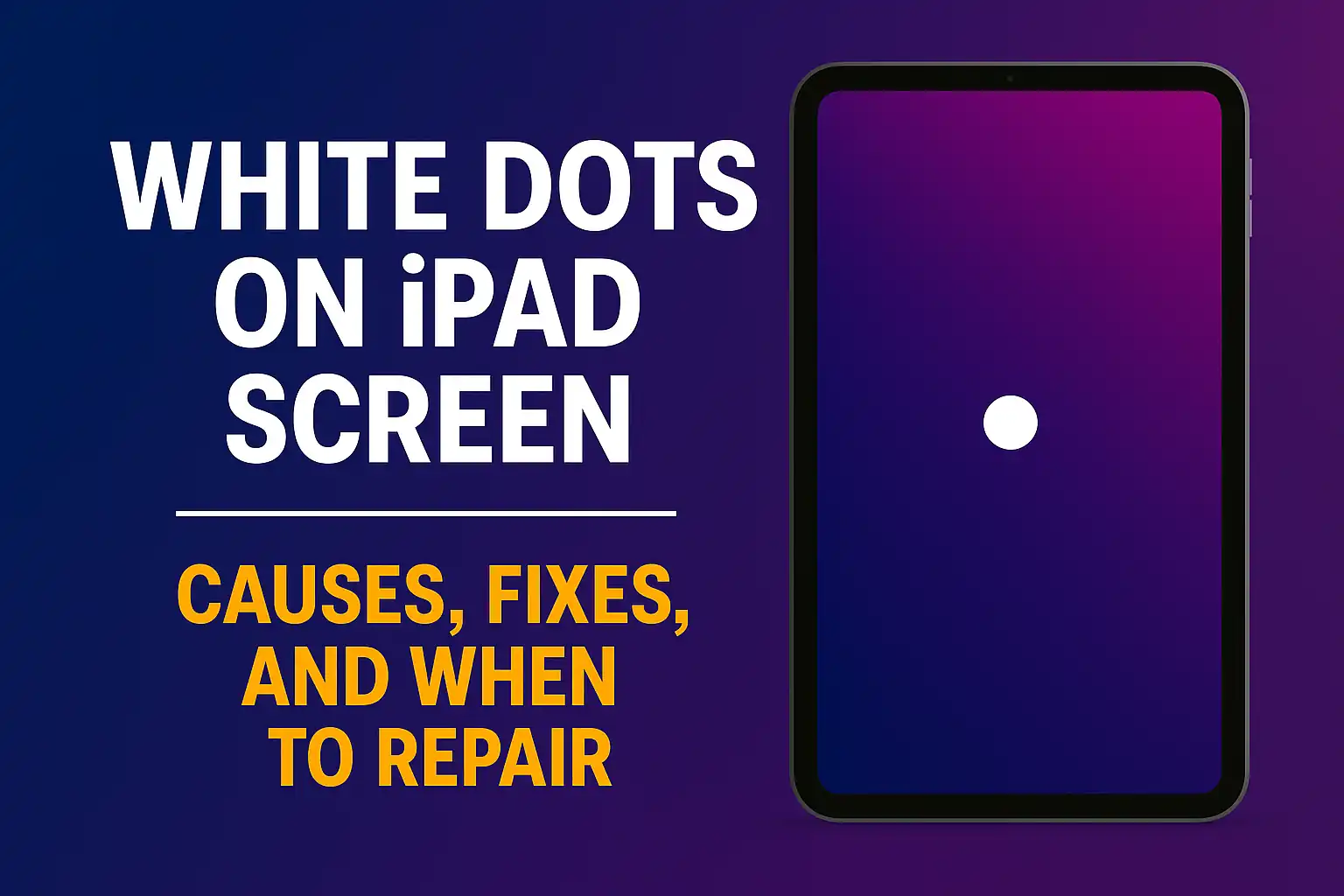
Seeing a bright or white spot on your iPad can be annoying.
 The good news: you can run a few quick tests to confirm what’s going on and decide if it’s a DIY fix or a repair job. This guide covers common causes, easy checks, and when to contact Apple—whether you’re dealing with a bright spot iPad Pro issue, an ipad air white spot, or an ipad pro 11 white spot.
ipad air white spot: quick checks you can try today
Start here. These are safe, simple steps that often clear up minor display issues.
- Clean and remove pressure: Take off your case/keyboard and any screen protector. Wipe the screen with a microfiber cloth. Pressure from a tight case can create a bright patch.
- Toggle display settings: Go to Settings > Display & Brightness. Turn off True Tone, Night Shift, and Auto‑Brightness. Test again on a white and a gray background.
- Screenshot test: Take a screenshot (Top button + Volume Up). If the white spot is visible in the screenshot, it’s software. If it’s not in the screenshot, it’s the display hardware.
- Brightness test: Check low, medium, and high brightness. Hardware bright spots often look worse at higher brightness.
- Pixel-fix attempt (tiny dots only): If you see a single bright pixel, try a pixel‑fixer video for 10–15 minutes at medium brightness. Skip this if the bright area is larger than a pinhead.
- Safety check: If the screen is lifting or you hear creaking, stop using the iPad—battery swelling can press on the screen. Get it serviced.
If the spot is a small, round, brighter‑than‑normal patch (like a tiny flashlight under the screen) and pressing lightly around it makes it change, that’s usually backlight/diffuser pressure damage. That needs a screen replacement.
Why you’re seeing a bright spot iPad users often report:
- Stuck pixel: a single sub‑pixel stuck “on,” most obvious on dark screens.
- Backlight/diffuser bruise: localized pressure damage causing a round bright patch.
- Panel uniformity/backlight bleed: uneven brightness near edges, more visible in dark rooms.
- Debris under glass or past liquid ingress: rare, but possible.
- Chassis pressure or battery swell: pushes on the panel from behind.
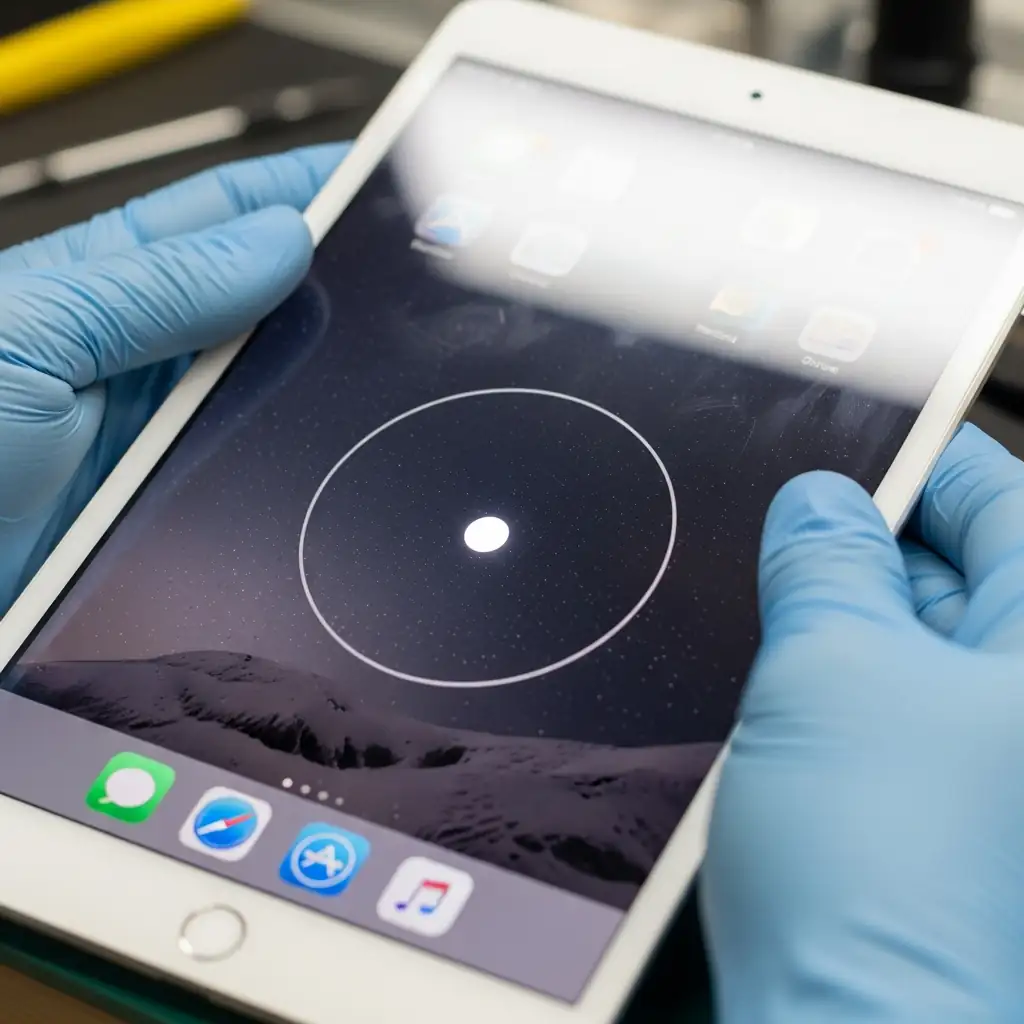
ipad pro 11 white spot: model tips and what to expect
The 11‑inch iPad Pro (most gens use LCD) can show “hot spots” where internal mounts or pressure points sit. Here’s how to confirm:
- Test with solid white, gray, and black images. Note brightness level when it’s most visible.
- Lightly vary pressure around the area (don’t press hard). If the patch shimmers or changes, it’s hardware—likely diffuser/backlight.
- Document with photos and settings. This helps with Apple support.
Repair expectations:
- For hardware display faults, Apple usually replaces the device rather than only the glass on many iPad models. AppleCare+ lowers the fee if you’re covered.
- No visible damage and a consistent bright patch? That can qualify as a manufacturing defect within warranty.
When to repair (any model: iPad Air, iPad Pro 11‑inch, and others)
- The bright area is larger than a speck, visible on white/gray, and doesn’t show in screenshots.
- It gets worse with time or heat.
- You suspect battery swelling or see the screen lifting.
- You rely on color‑accurate work and the uniformity issue is distracting.
How to prevent future white/bright spots
- Avoid tight or rigid cases that press on the display.
- Don’t stack heavy items on the iPad or toss it in a bag under pressure.
- Keep it out of hot cars and direct sun at max brightness.
- Use a quality screen protector that doesn’t trap dust or create pressure points.
Symptoms vs. fixes (quick table)
| Symptom | Likely cause | DIY worth trying? | Best next step |
|---|---|---|---|
| Tiny bright dot visible on dark screens | Stuck pixel | Yes — try a pixel‑fixer video (10–15 min), gentle microfiber massage | If it persists, professional screen replacement |
| Round bright patch (5–20 mm), changes with light pressure | Backlight/diffuser pressure damage | No | Contact Apple or an authorized service provider for screen/device replacement |
| Edge glow, uneven corners in dark rooms | Backlight bleed/panel uniformity | No (often within tolerance) | Replace only if severe and under warranty/AppleCare+ |
| Bright speck that shifts when pressing the glass | Debris under glass or past liquid ingress | No | Screen replacement required |
| New bright spots + screen lifting/creaking | Battery swelling causing pressure | No | Power down immediately and seek service |
Helpful sources
More from PhonesGeek (internal links)
- White dots on iPad screen (step‑by‑step)
- iPhone 17 Pro Max price in USA + weight
- Apple’s foldable iPhone in 2026
- Samsung Galaxy S26 Ultra review + release date
SEO meta (copy/paste)
- Title tag: Bright Spot iPad Pro: Fixes, Causes, and iPad Air/iPad Pro 11 White Spot Guide
- Meta description: Seeing a bright or white spot on your iPad? Learn quick tests, easy fixes, and repair options for iPad Pro, iPad Air, and iPad Pro 11.
FAQ
Q: Is a bright spot the same as backlight bleed?
A: No. A bright spot is a small, round patch that looks like a mini flashlight. Backlight bleed is glow from the edges, most visible on dark screens.
Q: Can a pixel fixer really help?
A: Only for a tiny stuck pixel (a single dot). It won’t fix a larger bright patch from backlight/diffuser pressure.
Q: Will Apple fix this under warranty?
A: If there’s no accidental damage and it’s a manufacturing defect, yes—especially within the warranty period. AppleCare+ can reduce costs if repair is needed.
About The Author